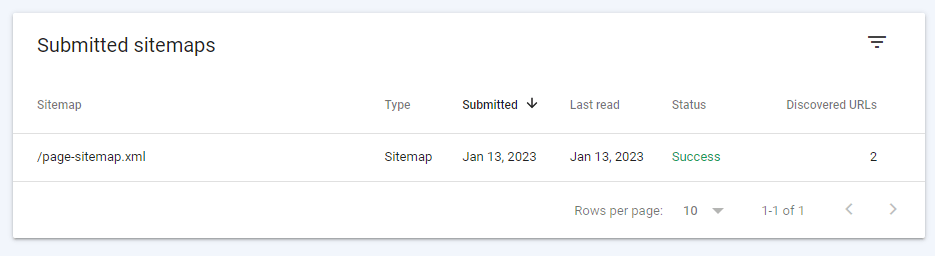
It’s important that we know where we need to submit the sitemap of our website and how to submit the sitemap. It will help you understand how Search Engine Optimization works and how important it is for our website to keep improving and growing.
1. Sign in to your Google account
2. Go to your Google Search Console, https://search.google.com/search-console/about, and click the button START NOW

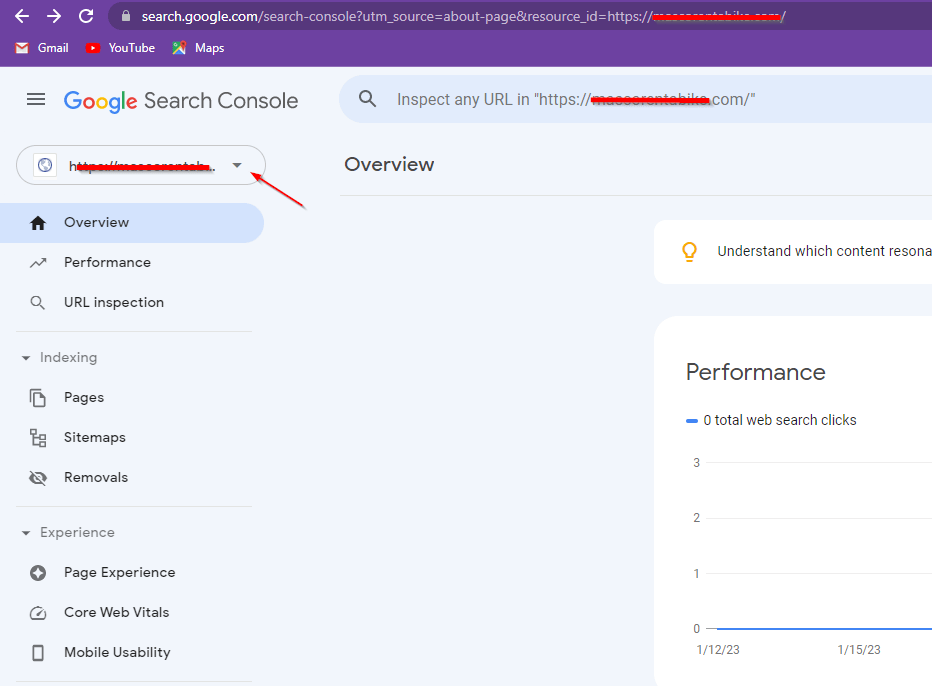
3. On the sidebar click the dropdown menu and select your website.
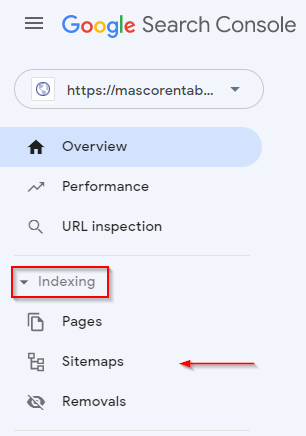
4. Under the Indexing category, click Sitemaps
5. Enter your sitemap, in this example we will put page-sitemap.xml, then click SUBMIT.

6. Once sitemap verification is successful, the status should be SUCCESS