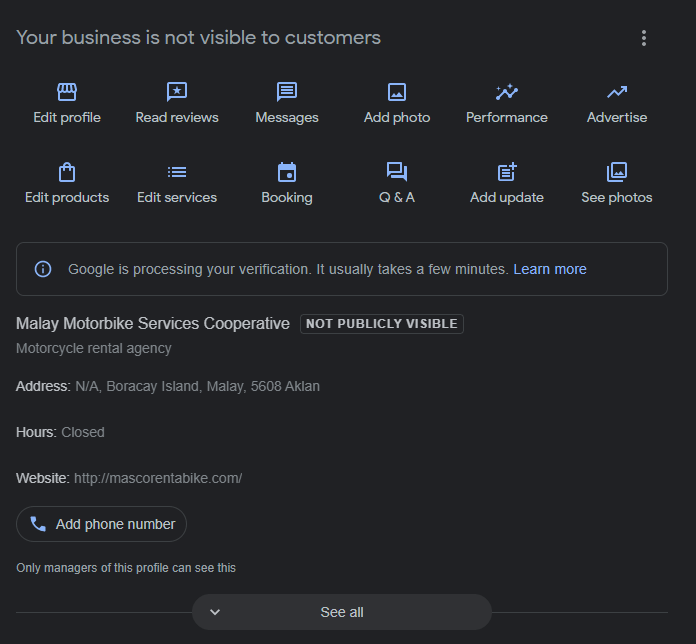
Want your business to be visible on Google search? This snippet can help your business to be visible on Google search and give you ideas what information you need to provide to improve the performance of your SEO (Search Engine Optimization), SEO aims to improve your website’s position in search results pages.
– Open your Chrome browser, but this can also be done in other web browsers
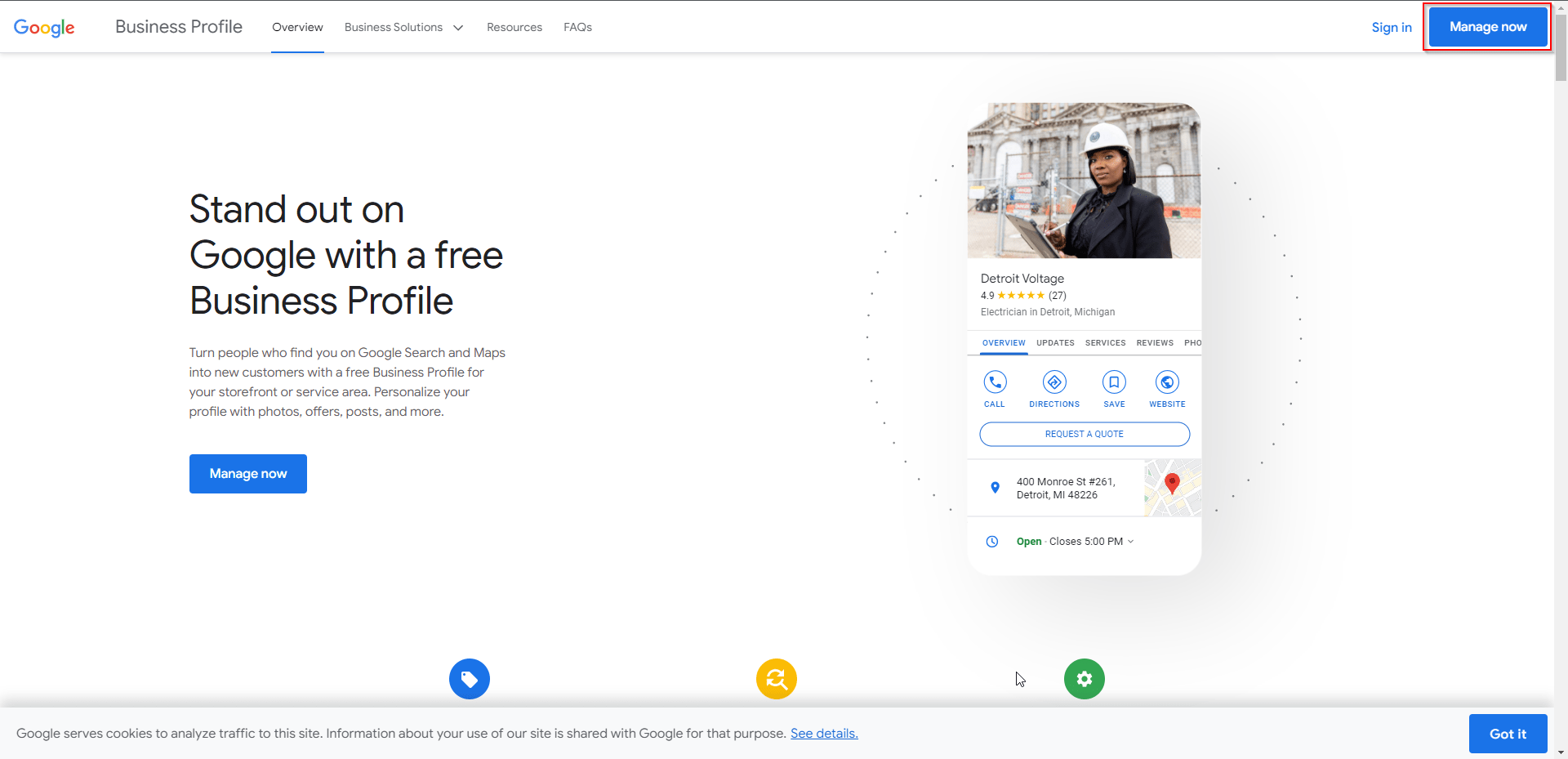
– Go to https://www.google.com/business/
1. Assuming you’re already signed in to your Google account, you can simply click the “Manage Now” button
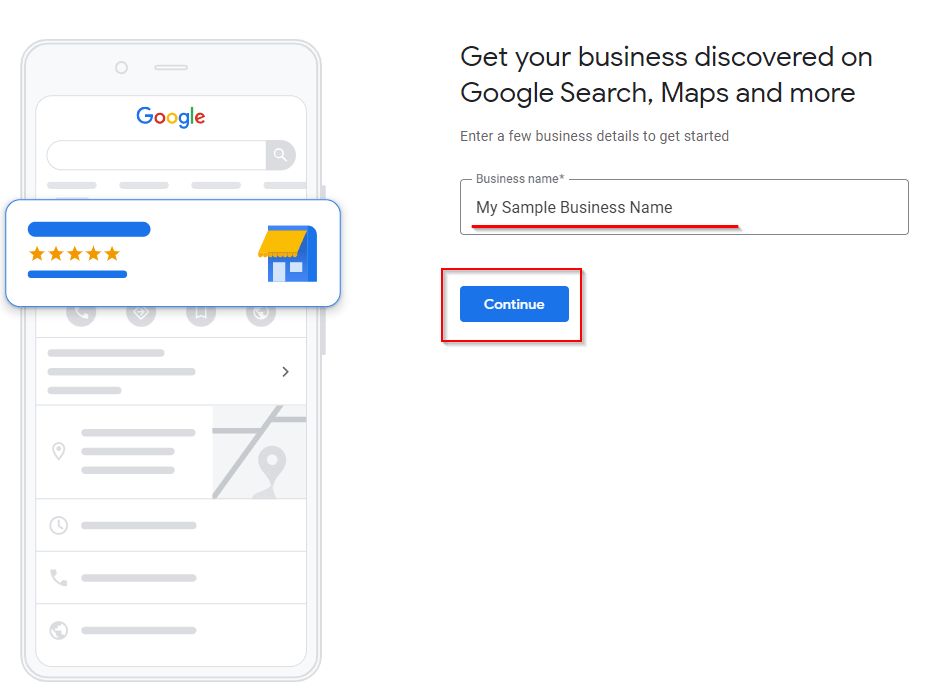
2. You’ll get directed to this page where you need to provide a Business Name, this one is just an example business name
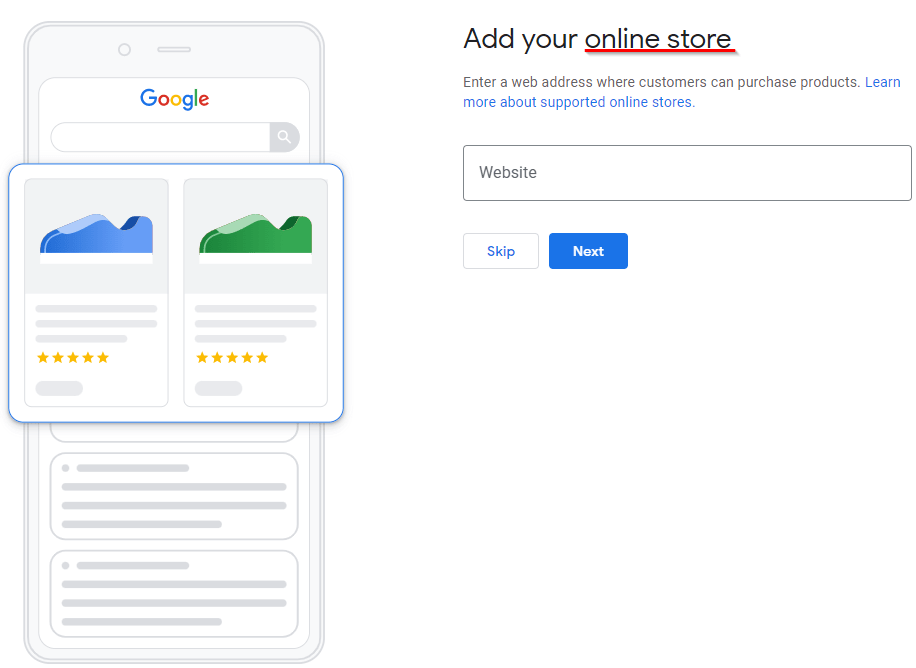
3. Next step will be to choose the type of your business

3.1 For Online Store, since your products can be bought online, it would be nice if you also have your own website for your business.
3.2 For Local Store and service business, you need to provide your business category since this help your customers to know what in what kind of business you belong and they can easily understand what would be the services and products of your business.
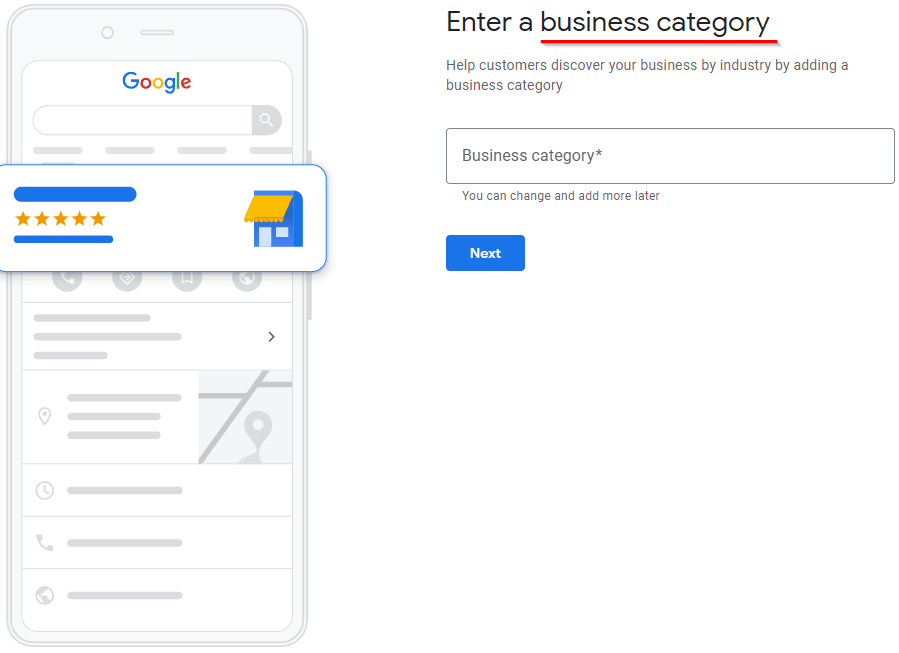
4. Then click Next
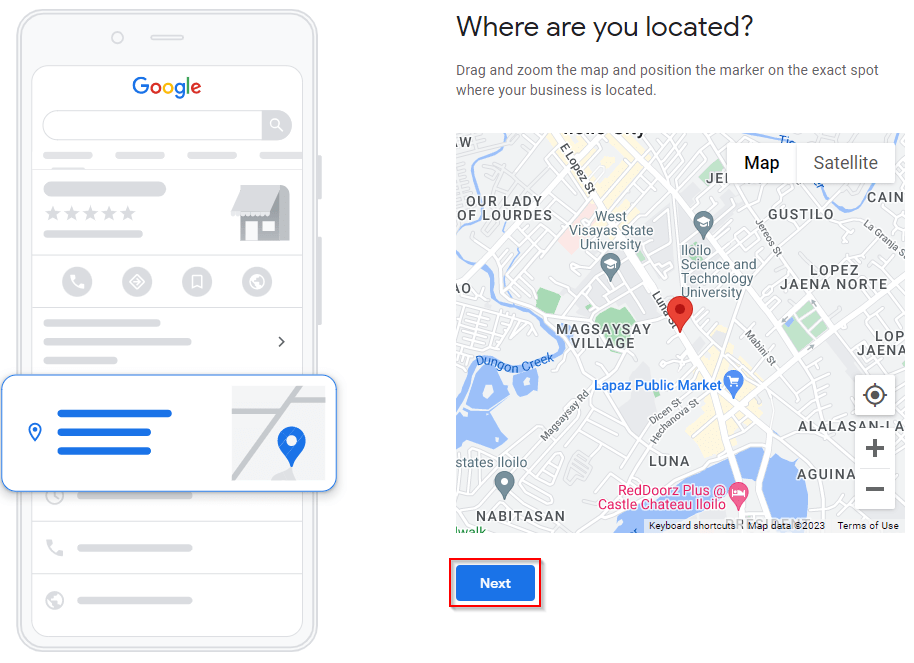
5. Next Step will be to state your business address, you need to make sure of your valid address, as you need to have business permit and other proof that also has this address by the time you’ll encounter some issues with your Google my business profile.

6. Next you have to pin the map on your exact place on the map
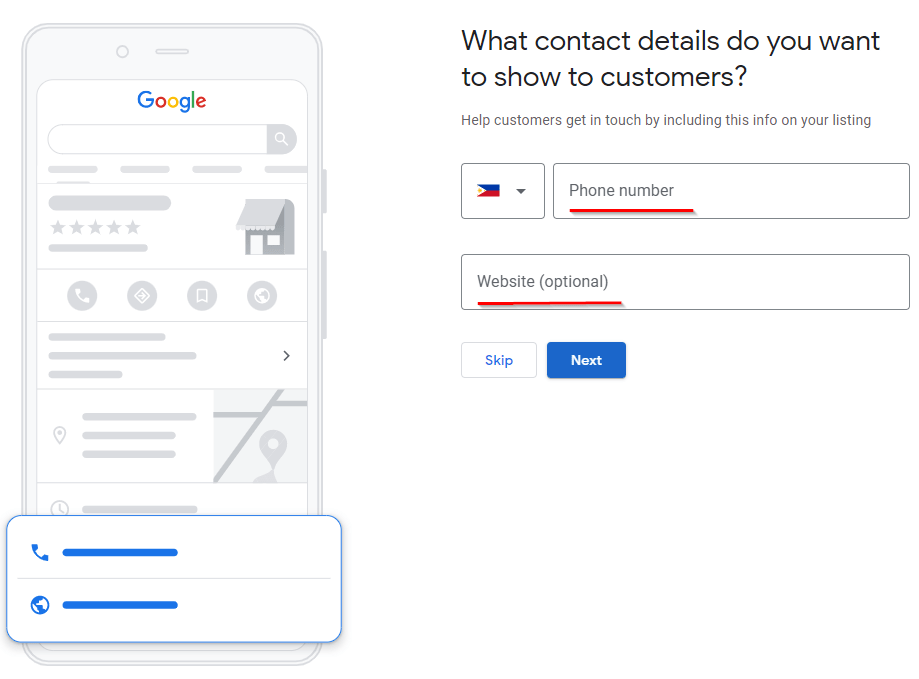
7. Then decide in what way your customers could reach you
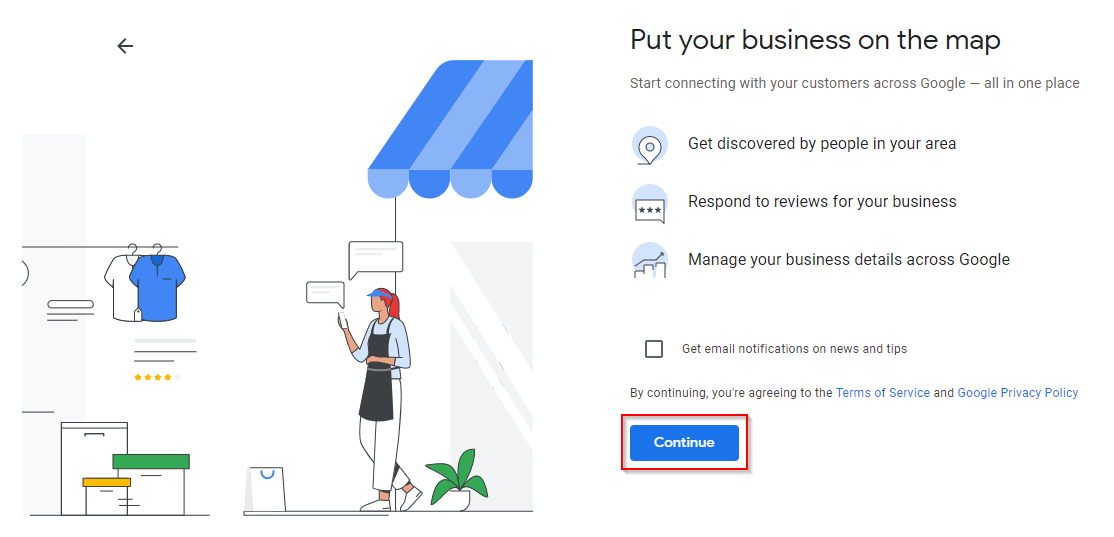
8. Then click continue as you agree to be seen your business on the google map
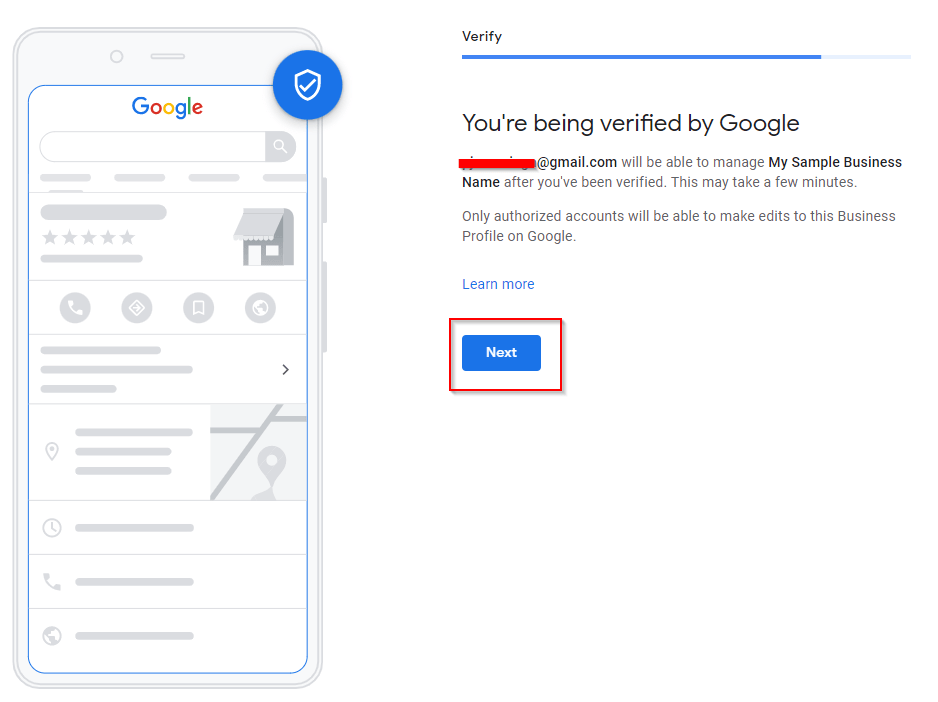
9. Then, click the Next button
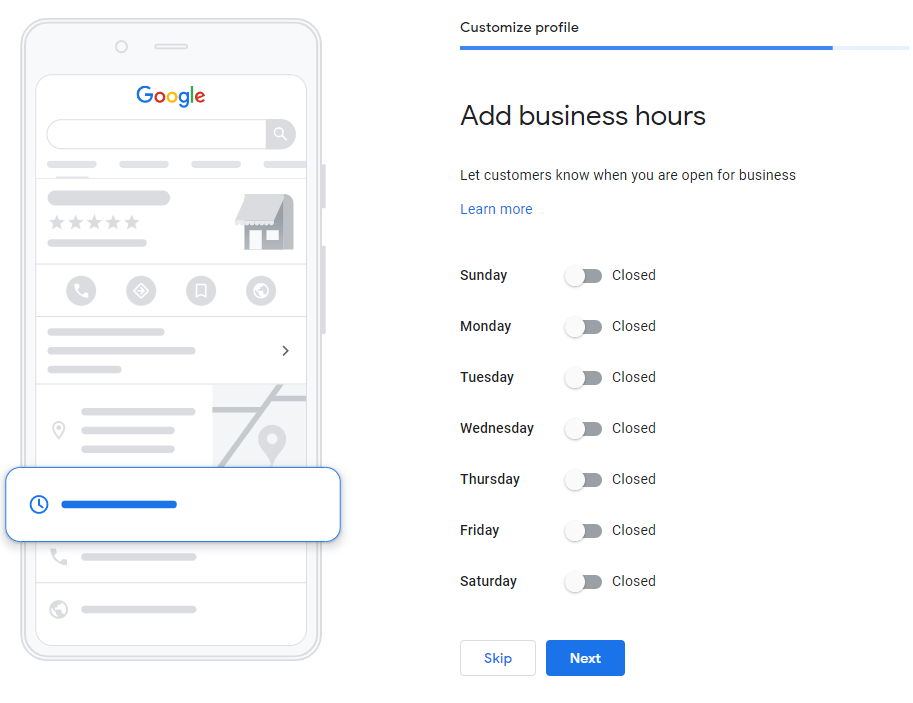
10. Decide how long and how many days your business will be open to serve your customers, then just click next.
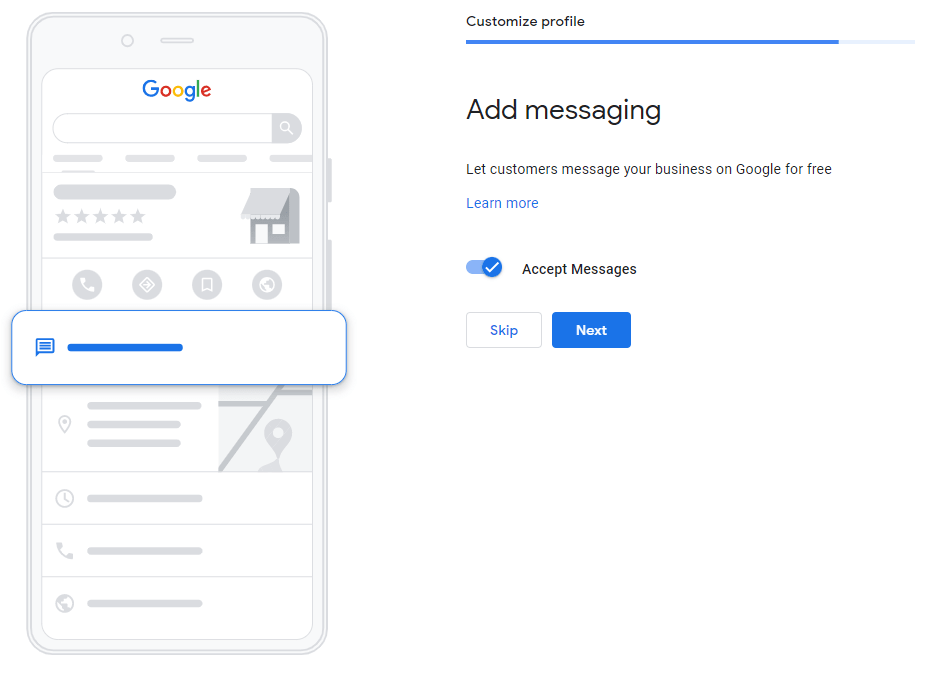
11. You can decide if your customers can message you in your google my business account
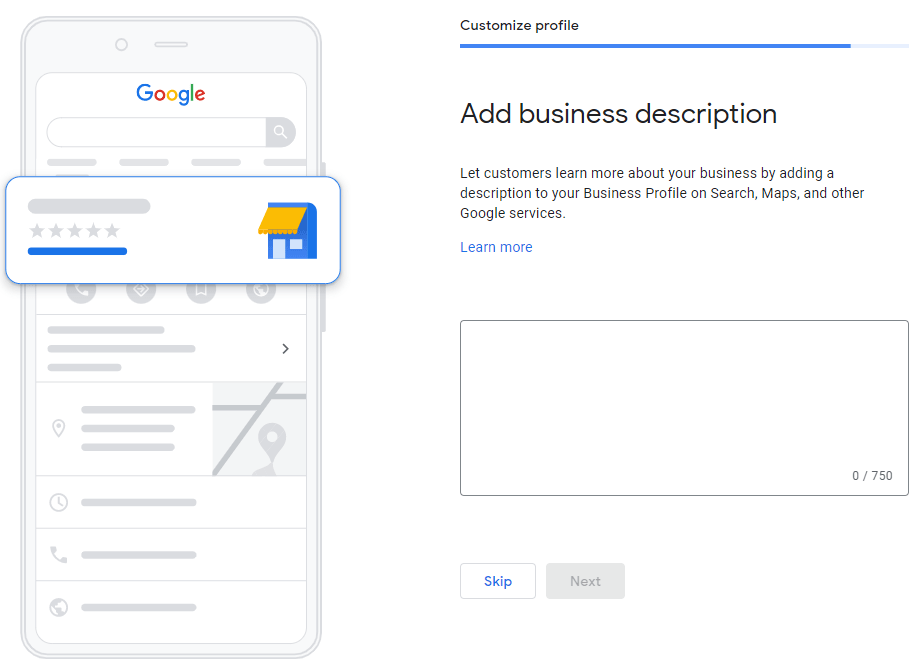
12. Same with the business description, you can decide whether you add or not.
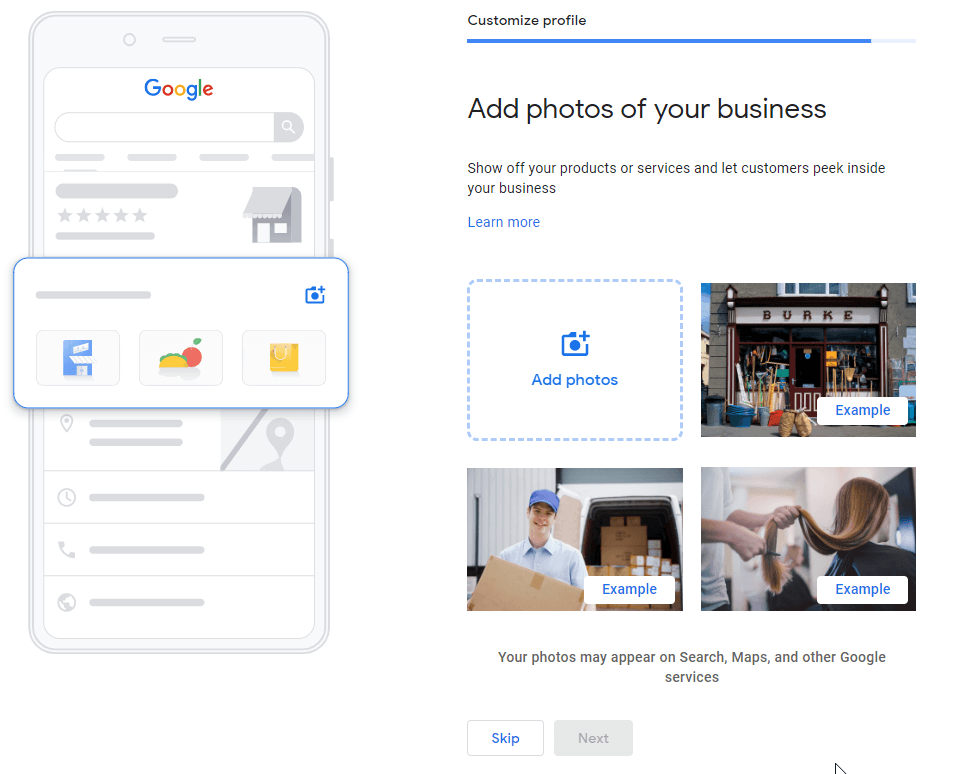
13. You can also add photos for your google my business account to attract more attention to your business.
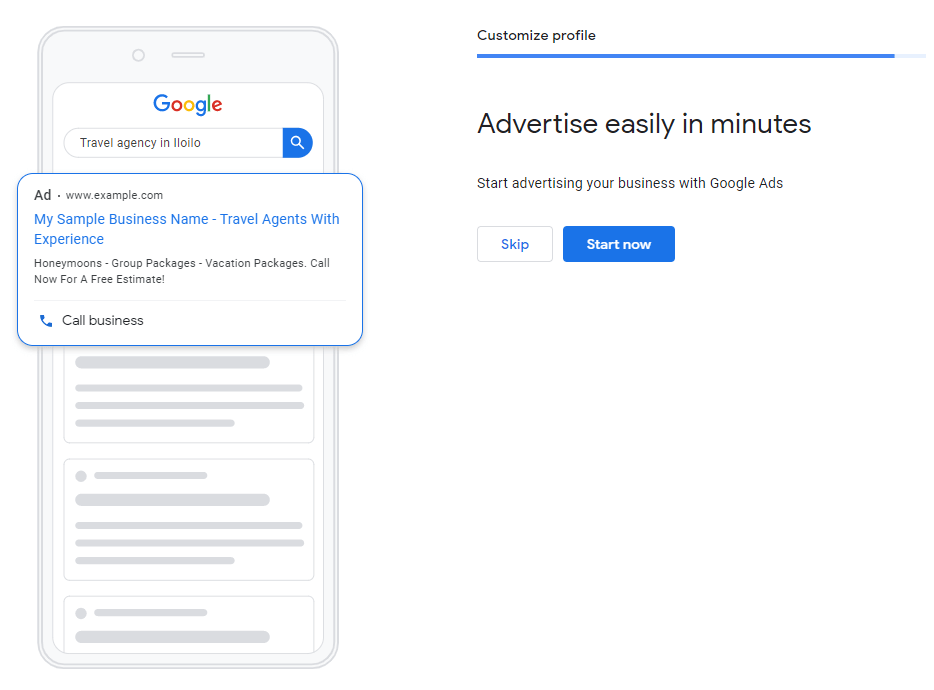
14. Use your Google My Business account for the google ads
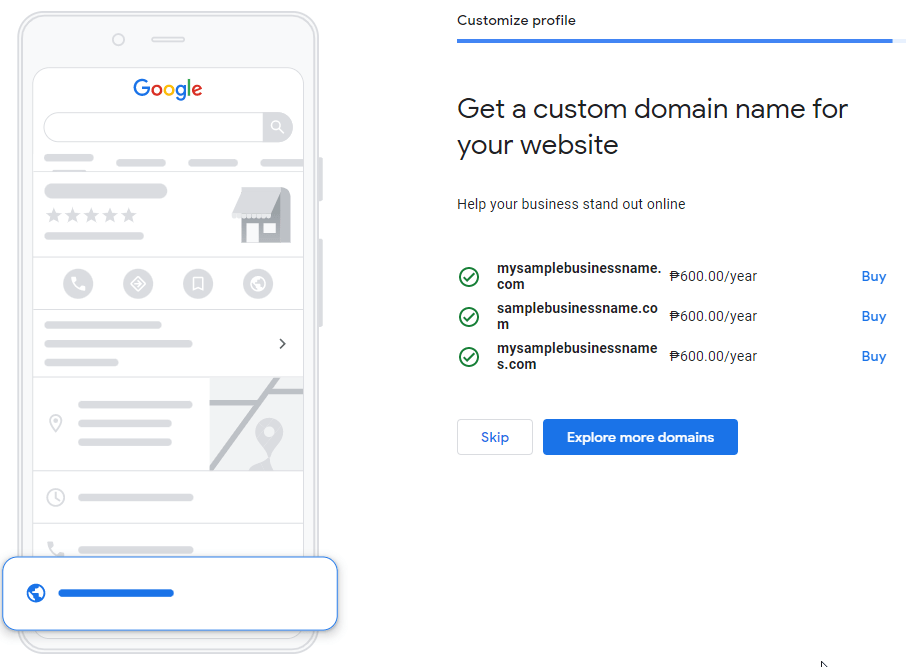
15. Google will also offer you a domain name for your business, it’s up to you to accept the offer or not.
16. Click continue as your last step, as per Google you can view or review the details of your Google My Business account once you are verified by Google.

17. Once you are fully verified by Google, you can review your details and customize the details of your account as well. But, every edit will also be reviewed by Google.