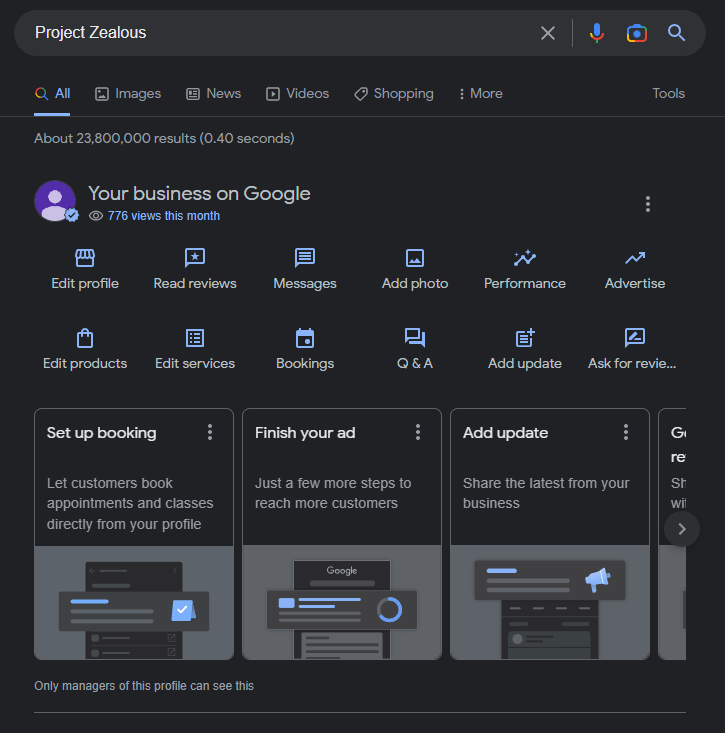
As we create our business google profile, we also want to check it as a viewer or client. Here is the documentation that can help you on how to find your business profile on Google.
1. Open your web browser (Google Chrome) and sign in to your Google Account

2. On the address bar of your browser just simply type “my business”

3. Assuming that you have already searched “my business” on your web browser, it will automatically show you all of the business profiles you have on your Google Account.
Ex.
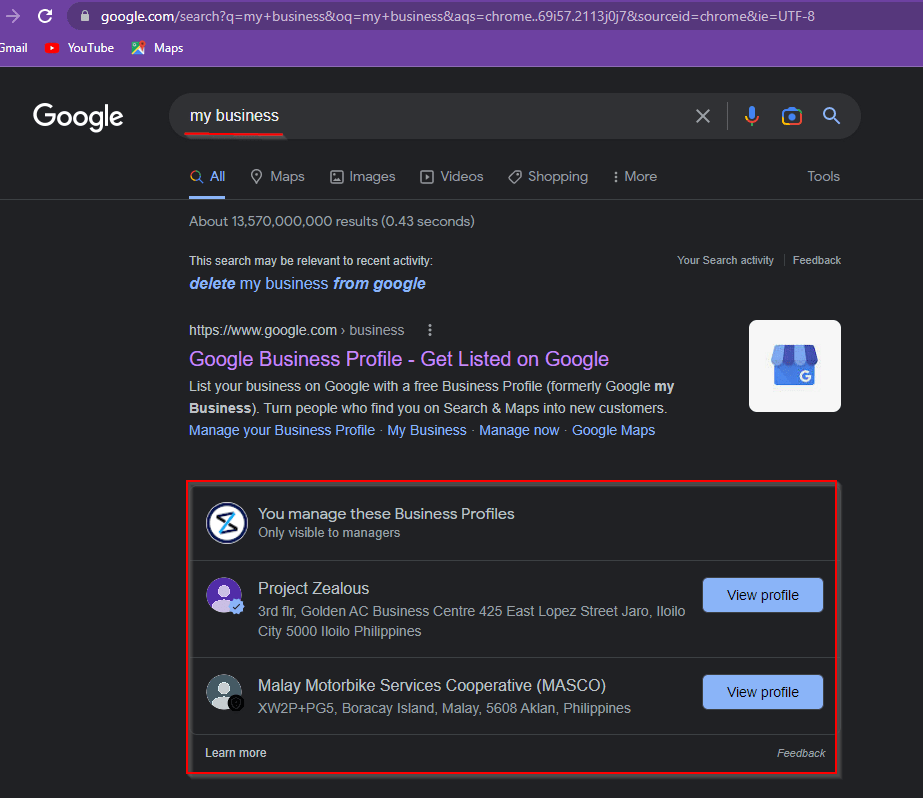
4. You can simply click the View Profile button on any business profile that you want to manage and you’ll be directed to your Google My Business profile