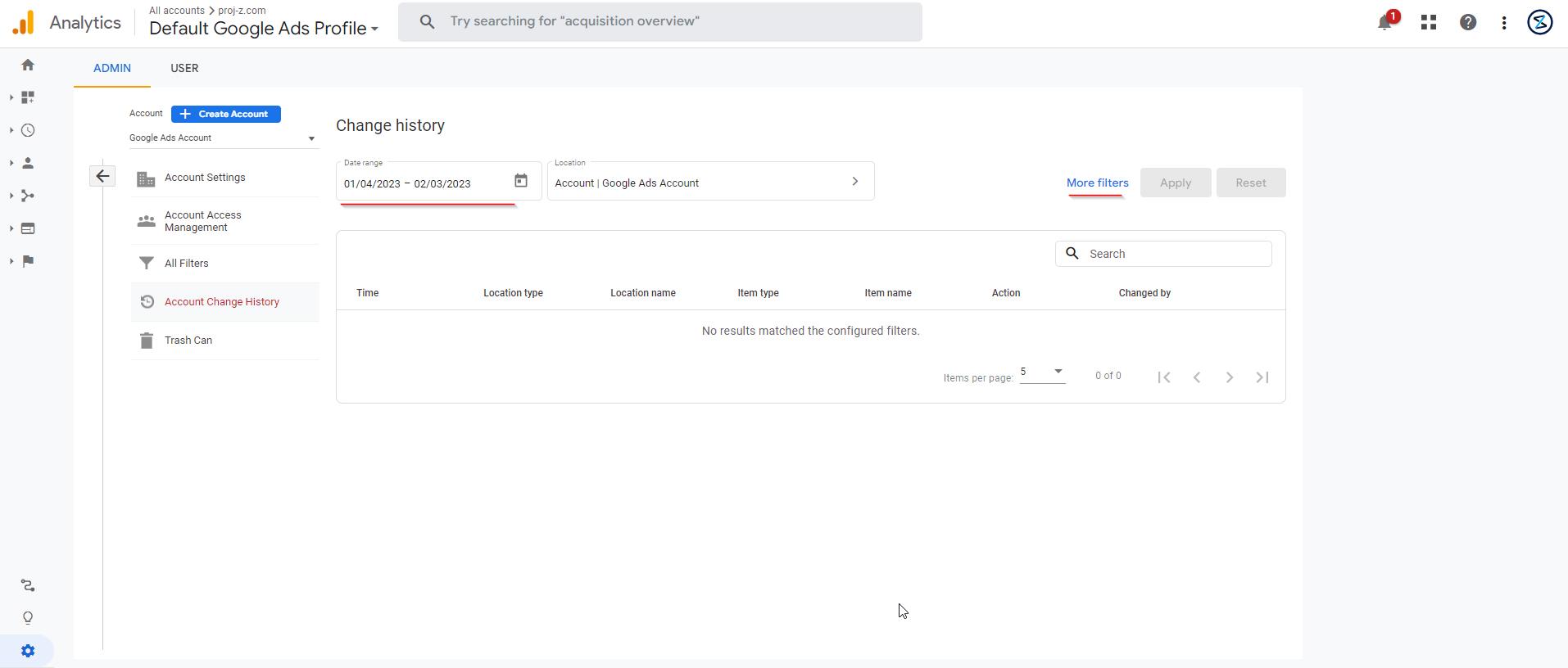
This snippets will help you know how to view the history of your account and property changes on Google Analytics. Google Analytics 4 is an analytics service that enables you to measure traffic and engagement across your websites and apps.
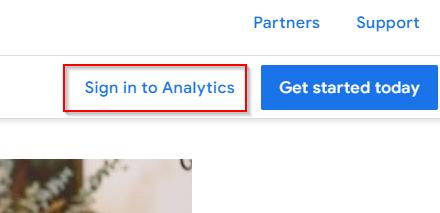
1. Sign in to your Google Account and type Google Analytics into your web browser to head over to the Google Analytics page and simply click Sign in to Analytics

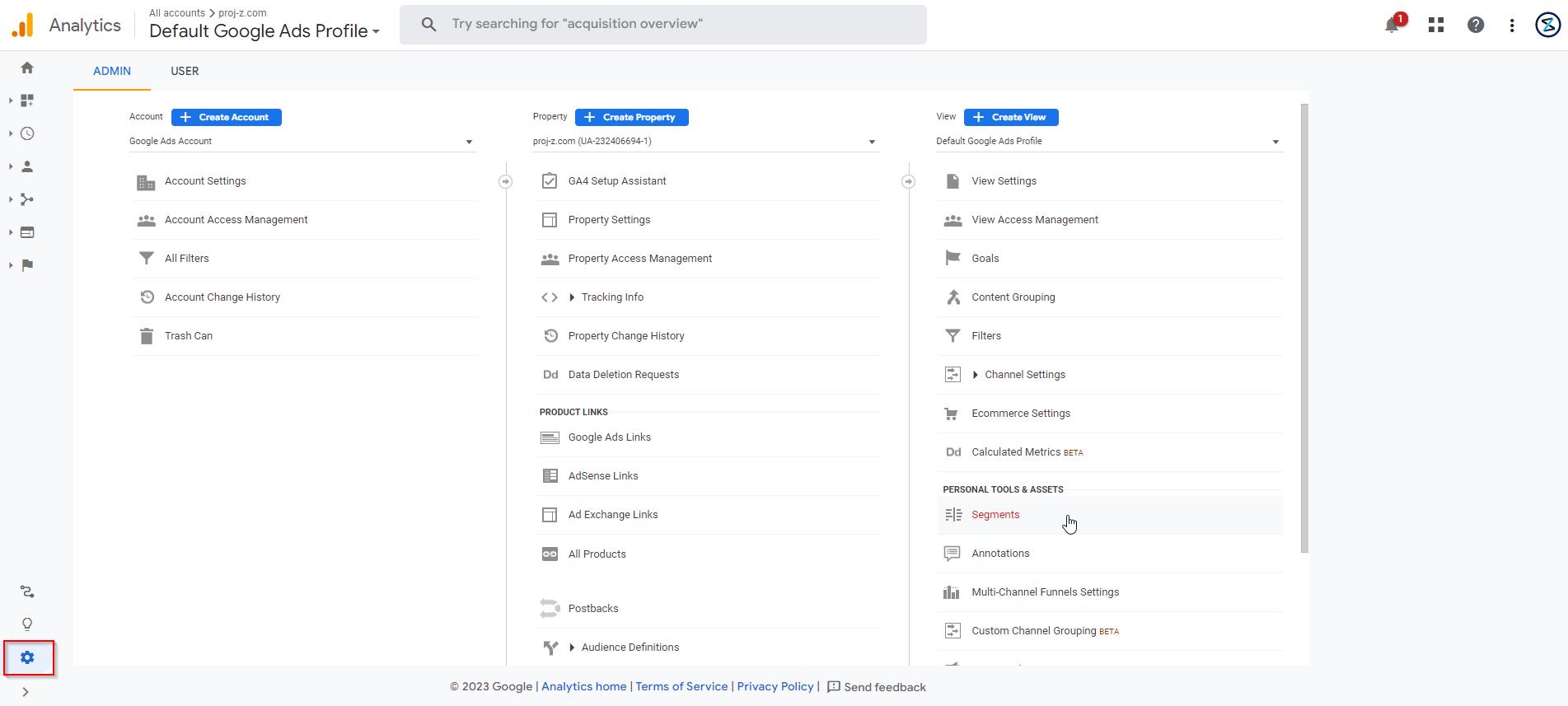
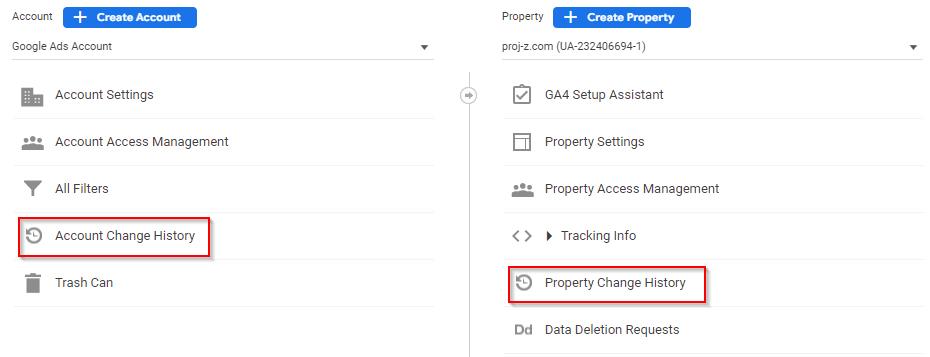
2. Make sure that you are in the correct google analytics profile, go to the Account column or property column, and you will see the “Account/Property Change History”
3. You will be headed to the History page of your account/property
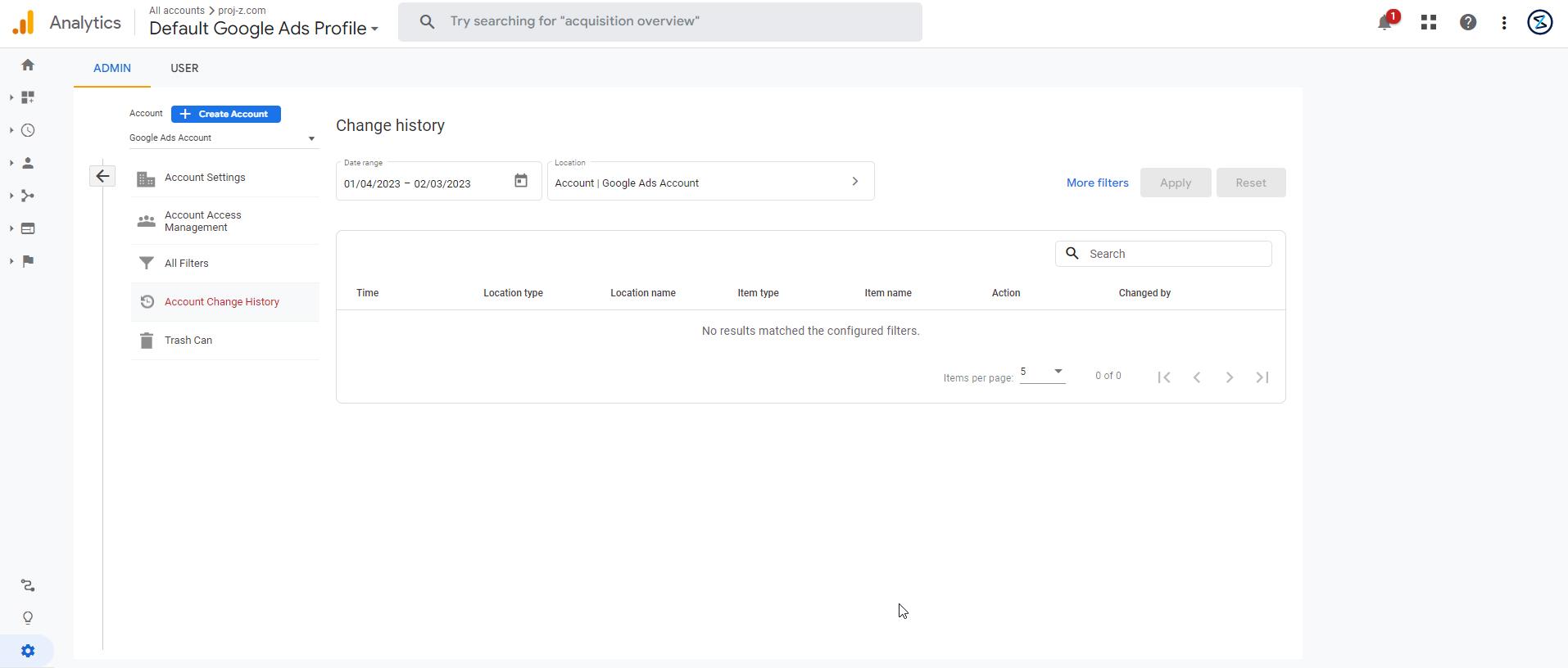
4. You can use filters to see the changes on a specific date, location type, location name, item type, action, and changed by